What is Microsoft Fabric and when is it worth migrating your data?
What is Microsoft Fabric: understand OneLake, Lakehouse, Warehouse and capacity, when to migrate from Power BI or Synapse and how to control costs.
In short
- Microsoft Fabric is a SaaS platform that brings together integration, storage, data engineering, real-time analytics and Power BI on a single data lake, OneLake.
- Billing is based on capacity (F SKUs), shared by all workloads, which can be paused, scaled or reserved according to your consumption pattern.
- Migrating pays off most when there are many sources, Power BI Pro limits, Premium capacity or Synapse in use, and less when there is little data and few sources.
- Start with a pilot in one department, with bronze, silver and gold layers, governance from day one and weekly monitoring of capacity consumption.
Many companies reach Microsoft Fabric the same way: Power BI grew, data sources multiplied and every report ended up with its own loading logic. The result is slow refreshes, numbers that don't match across departments and a team that spends more time fixing spreadsheets than analyzing.
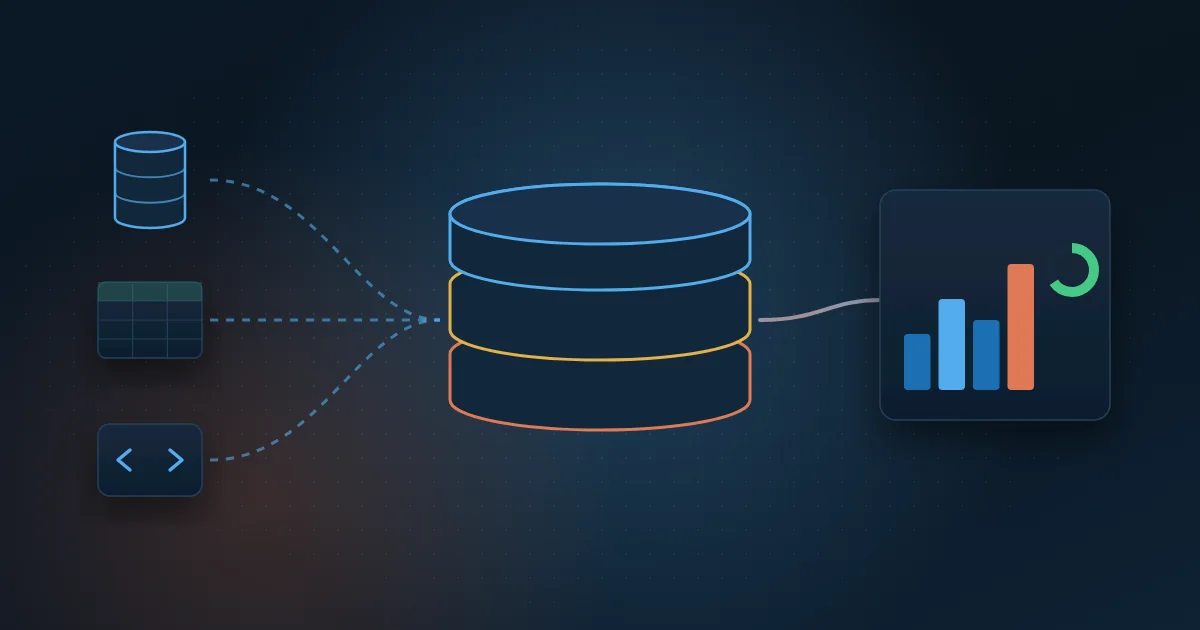
Microsoft Fabric is a cloud data analytics platform, delivered as a service (SaaS), that brings together integration, storage, engineering, data science, real-time analytics and Power BI in one place. Instead of buying and connecting several separate services, you work with a single data lake, OneLake, and a single billing model, capacity.
In this guide you will understand each part of Fabric in plain language, how capacity works, when migrating is worth it, how to migrate in stages and which mistakes to avoid.
What are the parts of Microsoft Fabric?
Fabric is organized into workloads, but all of them read and write the same data. That is the core idea: data lives in one place, with no scattered copies.
OneLake: the single data lake
OneLake is the storage layer for the entire platform. There is one per organization, and tables are stored in the open Delta Parquet format. With shortcuts, you reference data that lives elsewhere, such as Azure Data Lake or Amazon S3, without copying it. With mirroring, databases such as Azure SQL and Snowflake are replicated into OneLake almost continuously.
Lakehouse and Warehouse
The Lakehouse stores files and tables and is ideal for teams that work with Python and Spark, the distributed processing engine used in notebooks. It also provides a SQL endpoint for read queries. The Warehouse is a full data warehouse in T-SQL, Microsoft's SQL language, with inserts, updates and transactions. Many architectures use both. If the concept is still new to you, read what a data warehouse is.
Data Factory: pipelines and dataflows
Data Factory is the integration part. Pipelines orchestrate loads: they copy data from sources such as ERP, CRM and SQL databases, schedule runs and handle failures. Dataflows Gen2 use Power Query, the same transformation interface as Power BI, and suit teams that prefer little code.
Notebooks
Notebooks let you write transformations in PySpark, Spark SQL or Python. They are the best option for complex rules, large volumes, data cleansing and data science models, such as demand or energy generation forecasting.
Power BI and Direct Lake
Power BI is part of Fabric. The most relevant new feature is Direct Lake mode, in which the semantic model reads Delta tables directly from OneLake, without importing and duplicating data on every refresh. With well-modeled tables, performance comes close to import mode.
Real time
For data that arrives all the time, such as sensor events, system logs or contact center queues, Fabric offers Real-Time Intelligence: Eventstreams to capture events, Eventhouse to store and query them with the KQL language, real-time dashboards and automatic alerts with Activator.
How does Fabric capacity work?
In Fabric you don't pay for each service separately. You buy a capacity, a pool of compute power measured in capacity units (CUs), that all workloads share. Capacities are identified by F SKUs, such as F2, F8 and F64: the higher the number, the more processing power. OneLake storage is billed separately.
Four points help explain how capacity behaves day to day:
- Pausing: with pay-as-you-go billing, purchased in Azure, capacity can be paused when it is not in use, such as development environments at night. While paused, it runs nothing and its items are unavailable.
- Scaling: you can increase or reduce the capacity size as demand changes, without moving data.
- Smoothing: consumption peaks are spread over time. If usage stays above the limit for too long, the platform starts delaying or rejecting operations, known as throttling.
- Reservation: when consumption is stable, reserving capacity for a period usually costs less than paying as you go.
Also check Power BI licensing. On capacities smaller than F64, report consumers generally still need a Power BI Pro license; from F64 up, users with a free license can view published content. Confirm the current rules with Microsoft before sizing.
When is it worth migrating to Microsoft Fabric?
The answer depends on where you are today. A good gauge is your company's level of data maturity: the more sources, departments and decisions depend on data, the more Fabric pays off in organization and speed.
If you use Power BI Pro
It is worth evaluating when Pro limits start holding back operations, such as the number of scheduled refreshes per day and model size, or when business logic is scattered across dozens of reports. Fabric lets you build a single data layer that many reports reuse.
If you use Power BI Premium
Microsoft has been moving Power BI Premium capacities (P SKUs) to Fabric F SKUs. If you already pay for capacity, the move tends to be natural and unlocks the other workloads, such as Lakehouse, Warehouse and pipelines.
If you use Azure Synapse
Microsoft positions Fabric as the evolution of Synapse analytics workloads. If Synapse works well, there is no need to rush, but it makes sense to plan the move, starting with new projects and reducing the number of separate services to manage.
If your data lives in spreadsheets and scattered SQL databases
Here the gain is usually larger, because the company moves from manual files to a central repository, with history and single rules. But be careful: with few sources and low volume, a well-modeled SQL database with Power BI can do the job for a long time. Fabric makes more sense with many sources, growing volume or a need for near real-time data.
How do you migrate to Fabric in stages?
Migrating everything at once is the shortest path to rework. A staged roadmap reduces risk and shows results early:
- Take inventory: list data sources, reports, refresh schedules, users and current costs.
- Pick a pilot: a department with a clear pain point and a defined owner, such as sales, finance or the contact center.
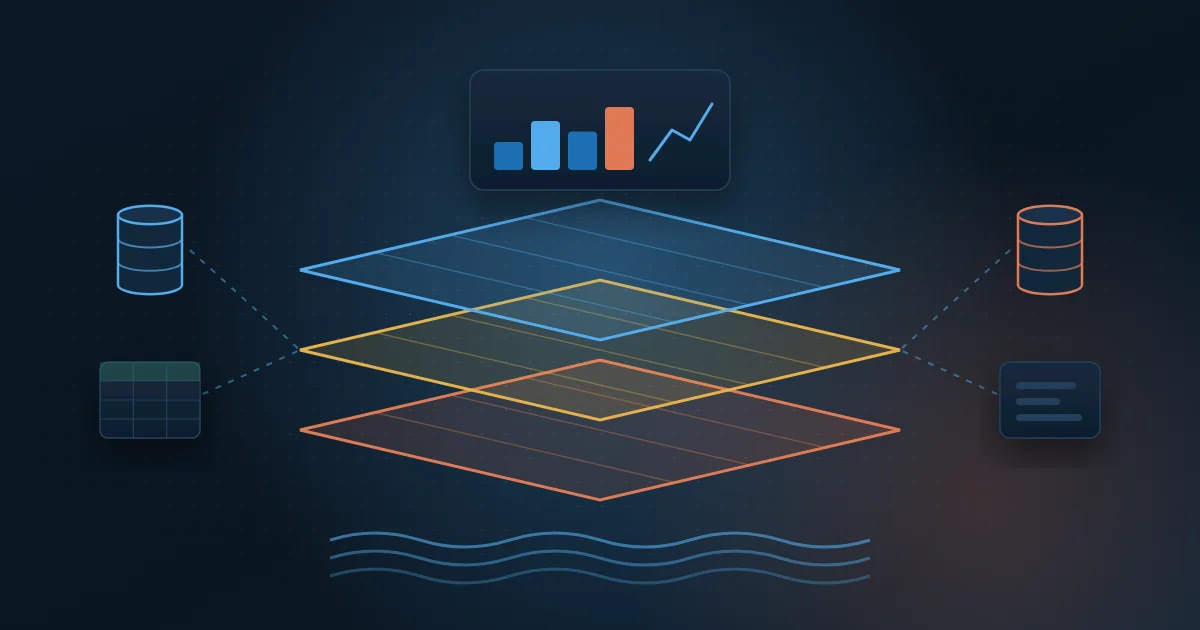
- Design the architecture: bronze, silver and gold layers, when to use Lakehouse or Warehouse, and separate workspaces for development, test and production.
- Build ingestion with pipelines, Dataflows Gen2, mirroring or shortcuts, using incremental loads whenever possible.
- Transform and model: business rules in the gold layer and a semantic model in Direct Lake or import mode.
- Validate the numbers with the business team, side by side with current reports, before turning anything off.
- Go live, retire the old process and monitor capacity consumption in the first weeks.
- Repeat in the next department, reusing dimensions that are already built, such as customers, products and calendar.
One example: at MasterSense, sales from 4 countries, in 3 languages, come from SAP HANA and are organized in layers on Microsoft Fabric, in a single BI. Refresh went from daily to every 15 minutes, and an access app defines who sees what.
How do you govern Fabric and control costs?
Since everything lives in one place, governance must be born with the platform. Use this checklist:
- Separate workspaces by environment and department, with a naming convention defined from the start.
- Access roles (admin, member, contributor, viewer) with the least privilege needed.
- Official semantic models marked as certified, so everyone uses the same source of truth.
- Row-level security in models, so each person sees only the data they are allowed to see.
- Sensitivity labels and lineage with Microsoft Purview, especially for personal data subject to LGPD (Brazil's data protection law).
- Git integration and deployment pipelines to version and promote changes across environments.
- Weekly review of the Microsoft Fabric Capacity Metrics app to find the items that consume the most.
- Heavy loads scheduled outside peak hours and incremental loads instead of full reloads.
- Development capacities paused outside business hours and reservations once consumption is stable.
What are the most common mistakes when adopting Microsoft Fabric?
- Treating Fabric as a new version of Power BI and copying reports without reviewing the data model.
- Migrating everything at once, with no pilot and without validating the numbers with the business teams.
- Duplicating data across several Lakehouses and Warehouses without a clear layered architecture.
- Sizing capacity by guesswork and not monitoring consumption afterwards.
- Running heavy notebooks at the same time leadership opens the dashboards.
- Giving everyone admin access and finding out months later that nobody knows which table is the official one.
- Having no platform owner responsible for costs, standards and priorities.
Most of these mistakes are not technical: they come from a lack of planning. A simple, well-documented architecture is worth more than using every feature in the first month.
How Wolkee helps
Wolkee designs and deploys data platforms with SQL, Python, Microsoft Fabric and Azure, from the source inventory to Power BI in production, with governance and cost control from the start. That means 9 years in the market, more than 500 deliveries and projects in 8 countries. Learn about our data engineering service.
If you are evaluating Fabric, start with a free 30-minute assessment. We look at your scenario, tell you whether migrating makes sense now and, when it does, show you a working prototype before the contract. We reply within 1 business day.
Frequently asked questions
Does Microsoft Fabric replace Power BI?
No. Power BI is part of Microsoft Fabric and remains the reporting and dashboard tool. What changes is that the same capacity also gives you access to integration, Lakehouse, Warehouse, notebooks and real-time analytics. Existing reports keep working, and you can migrate the data layer gradually, without rebuilding every dashboard at once.
What is the difference between Lakehouse and Warehouse in Fabric?
The Lakehouse is aimed at teams that work with Spark and Python and stores files and tables; the Warehouse is a full data warehouse in T-SQL, with writes and transactions. Both store data in OneLake in Delta format, so each can read the other's data. The choice depends more on your team's skills and the type of workload than on data volume.
Is Microsoft Fabric the same as Azure Synapse?
No, but they are related. Synapse is an Azure service that you configure and manage; Fabric is a SaaS platform that brings together similar workloads, single storage in OneLake and Power BI. Microsoft positions Fabric as the evolution of Synapse and offers guides to migrate pipelines, notebooks and data warehouses.
How is Microsoft Fabric billed?
Fabric is billed by the capacity you buy, identified by an F SKU, not by service. With pay-as-you-go, you pay for the time the capacity is active and can pause it; with a reservation, you commit to a term in exchange for a lower cost. OneLake storage is billed separately, and Power BI Pro licenses may be required.