Custom software or off-the-shelf: when each one pays off
Custom software or off-the-shelf? See when a SaaS or ERP is enough, when custom software pays off, and a checklist to decide with less risk.
In short
- Off-the-shelf software is the best choice when the process is a market standard, such as accounting or payroll, and the package fits without major customization.
- A custom system pays off when the process sets the company apart, depends on several integrations or already lives in shared spreadsheets full of rework.
- Compare the total cost over several years, including licenses, customizations and hours lost to workarounds, not just the upfront price of each option.
- A working prototype, a minimal first version and small releases reduce the risk of custom software, and a hybrid approach combines ERP, SaaS and your own systems.
Every growing company reaches this question: buy off-the-shelf software or build a custom system? The pressure comes from both sides. The package looks faster and cheaper, but forces you to adapt the process. Your own system fits the operation, but looks risky and expensive.
The short answer: use off-the-shelf software when the process is a market standard and the package fits without major adaptations, as with accounting, payroll or email. A custom system is worth it when the process is what sets the company apart, has its own rules, depends on several integrations or already lives in spreadsheets and workarounds that cost hours every week.
In practice, the best decision is usually hybrid: ERP and SaaS for what is standard, and custom systems, integrated with them, for what is specific. Below are the criteria to decide case by case.
When is off-the-shelf software enough?
Off-the-shelf software is a product sold to many companies: a SaaS (software as a service, paid by subscription and accessed through the browser), an ERP module or a market app. It is the best choice when:
- The process is similar in almost every company, such as accounting, payroll, issuing invoices, email and basic customer service.
- The rules come from the law or market standards, and the vendor has the scale to keep them up to date.
- The package covers most of what you need without customization, and what is missing is acceptable.
- The team is willing to adjust its own process to the way the system works.
- You need to start operating soon and the process is not a competitive differentiator.
In these cases, building from scratch would mean reinventing something the market has already solved, with a maintenance cost that does not come back as an advantage.
When does a custom system pay off?
A custom system is software built for a specific company's process, with the rules, screens and integrations it needs. It pays off when one or more of these points carry weight:
Fit to the process
If the way you price, approve, allocate or bill is part of how the company competes, squeezing it into a generic package means giving up that edge or paying dearly for customizations. With custom software, the system follows the process, not the other way around.
Integrations
Many processes cross several systems: ERP, CRM, contact center platform, bank, supplier portal. When the package does not talk to them, integration turns into manual typing. Your own system can be born integrated, reading from and writing to those systems through an API (the interface that lets one system exchange data with another). It is also worth reading about how to integrate ERP and CRM.
Ownership of data and code
With SaaS, data sits in the vendor's cloud, with export rules set by the vendor, and the product evolves on the vendor's roadmap. With custom software, you decide where the data lives, how to comply with the LGPD (Brazil's data protection law) and who owns the code. Make this clear in the contract and keep the code in a repository owned by your company.
How do you compare total cost and time to launch?
Comparing only the upfront price is misleading. Total cost of ownership adds up everything the solution consumes over several years. On the off-the-shelf side, there are per-user licenses that grow with the team, implementation, customizations, consulting, integrations and rework at every version upgrade. On the custom side, there is development, hosting, support and ongoing evolution.
The hidden cost of each option also counts: hours of manual typing, parallel spreadsheets, billing errors and decisions made with outdated data. Often this is the largest item, and nobody puts it in the comparison spreadsheet.
On time to launch, off-the-shelf software usually comes out ahead when the process is standard. Custom software, in turn, does not need to be born complete: a first version with the essentials can go into use early and grow in small releases.
What are the risks of custom software and how do you reduce them?
The best-known risks are scope that keeps growing, a system nobody uses, dependence on a single developer and lack of documentation. All of them have a remedy. Follow these steps:
- Start with a working prototype using real data, to validate screens and rules before investing in the whole project.
- Define a minimal first version with the main process, and leave the rest for later releases.
- Deliver in short cycles, with real users testing each version.
- Keep code, documentation and access credentials in your company's name.
- Use mainstream technologies and single sign-on (SSO) with Microsoft Entra ID or Google, which makes support and security easier.
- Agree from the start on how support and maintenance will work after delivery.
What kinds of systems are usually custom-built?
Most custom systems in mid-size and large companies are nothing exotic. They are web applications for registrations and rules, known as CRUD (create, read, update and delete records), with business logic around them. Common examples:
- Registrations with business rules: contracts, price tables, targets and calculation parameters.
- Approval workflows: purchases, discounts, reimbursements and master data changes, with a record of who approved what.
- Billing and collections with their own rules, such as allocations, measurements or contracts with specific conditions.
- Customer or partner portals, to check orders, invoices and reports and open requests.
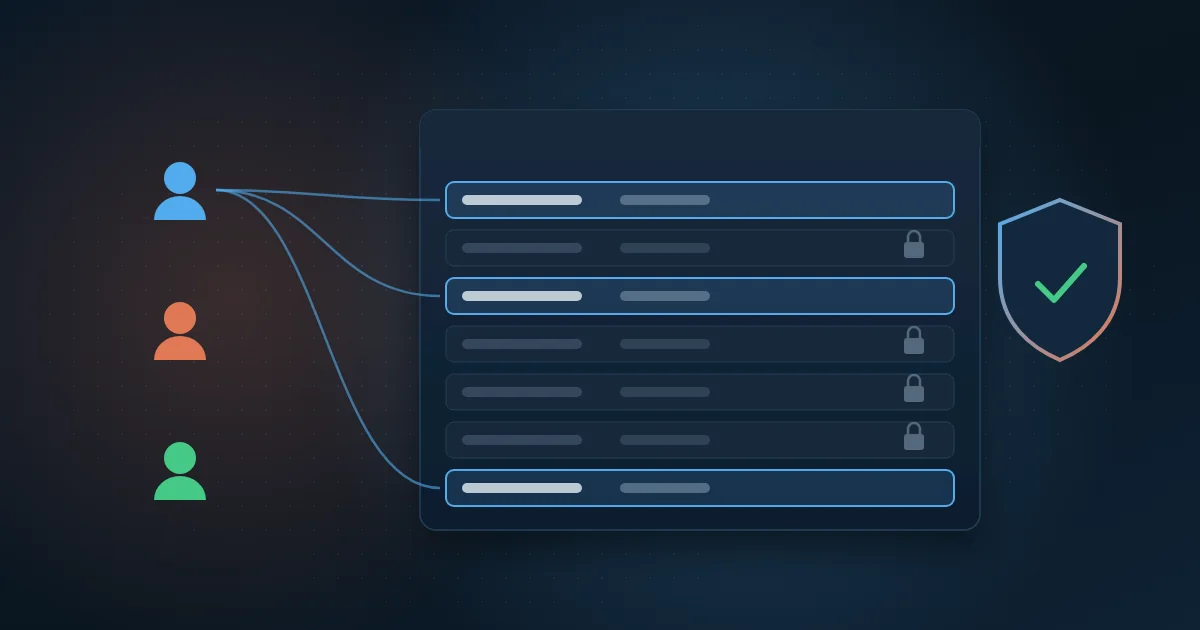
- Access management: who sees which data, in which companies, dashboards or reports.
In solar energy, for example, Wolkee built a custom system for Incite that manages more than 1 GW of solar plants. In this kind of operation, robots download utility bills, AI reads the data, credits are allocated per contract and billing is generated, with rules that rarely fit a generic package. You can find other examples on the case studies page.
The shared spreadsheet signal
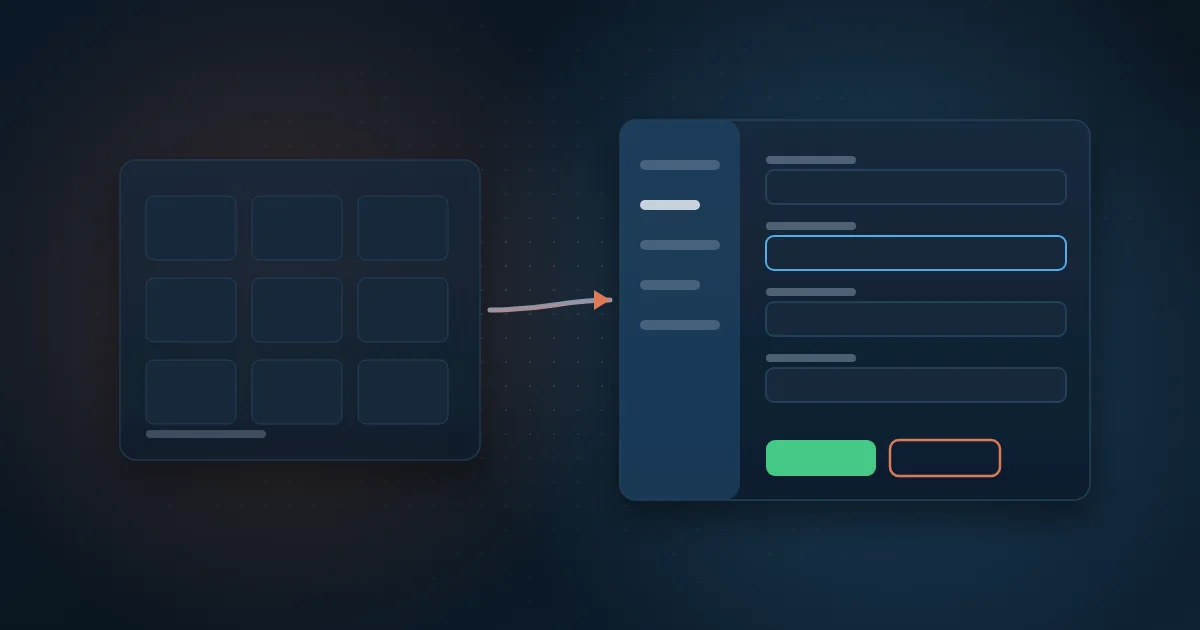
A clear sign that the time has come: the shared spreadsheet that became the department's system. Several people edit at the same time, there are control tabs, formulas only one person understands, versions circulating by email and no record of who changed what. The good news is that this spreadsheet has already proven the process exists and shown what data it needs. In practice, it is the draft specification for the system.
Checklist: custom system or off-the-shelf software?
Answer the questions below with the process in question in mind. The more yes answers, the stronger the case for custom software.
- Does the process set the company apart in the market, or does it have rules no package covers well?
- Do the packages you evaluated require major customizations or process changes the team will not accept?
- Does the process depend on data from three or more systems that need to talk to each other?
- Does it currently run on shared spreadsheets, with frequent rework and errors?
- Do license costs grow with users who only use a small part of the product?
- Is controlling the data, the code and the system's evolution important to the business?
- Is there someone on the business side who will own the product and follow the releases?
If most answers are no, start with off-the-shelf software and reassess as the process grows. The last question applies to both paths: without an owner on the business side, no system succeeds.
How does the hybrid approach work?
In most companies, the answer is not one or the other. The ERP keeps handling accounting, tax and inventory. The CRM handles the sales funnel. And custom systems cover what sits between them: specific rules, approvals, portals and integrations.
The point to watch is not duplicating data. Each piece of information has a source system, and the custom system reads from and writes to it through an API, instead of keeping parallel records. That way, you take advantage of the package's robustness without forcing the process to fit into it.
How Wolkee helps
Wolkee builds custom software, mostly web applications for registrations, access rules, approvals and billing, with single sign-on through Microsoft Entra ID or Google and integration with ERP, CRM and contact center platforms. We have 9 years in the market, more than 500 deliveries and projects in 8 countries.
If you are deciding between a package and your own system, book a free 30-minute assessment. We help you evaluate the case, deliver a working prototype before the contract and reply within 1 business day.
Frequently asked questions
How much does custom software cost?
There is no list price: the cost depends on scope, the number of integrations, the complexity of the business rules and the level of support. The safest way to estimate it is to start with a prototype of the main process and a minimal first version. Always compare it with the total cost of off-the-shelf software over several years, not just the monthly fee.
Is custom software more secure than SaaS?
It depends on how each one is built and maintained, not on the model. A good SaaS invests in security, but you follow its rules and infrastructure. With custom software, security is the project's responsibility: single sign-on, access control, encryption, backups and updates. Done well, it gives you more control over where the data lives and who accesses each piece of information.
Who owns the code of a custom system?
Whoever the contract says. The safest option for the company is to keep the code and documentation in its own name, in its own repository, with guaranteed access even if the vendor changes. Check this clause before signing and confirm that you also receive access to the hosting and the database.
How do you replace a spreadsheet with a system without stopping operations?
The safest path is gradual. First, the system reproduces what the spreadsheet does, with its data imported. Then both run in parallel for a short period, until the team trusts the numbers. Only then is the spreadsheet retired. New features come in later releases, once the basics are stable.